quick answer
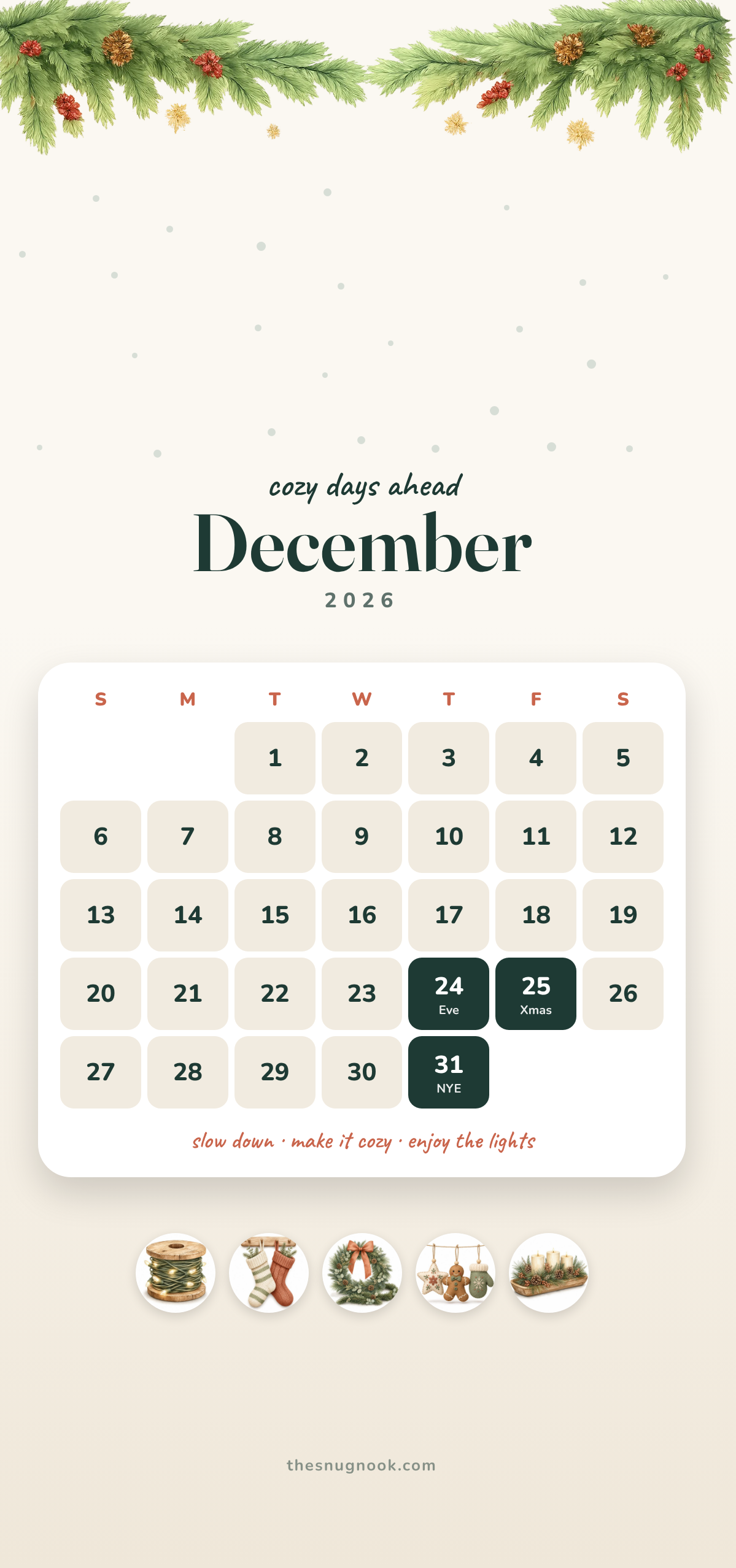
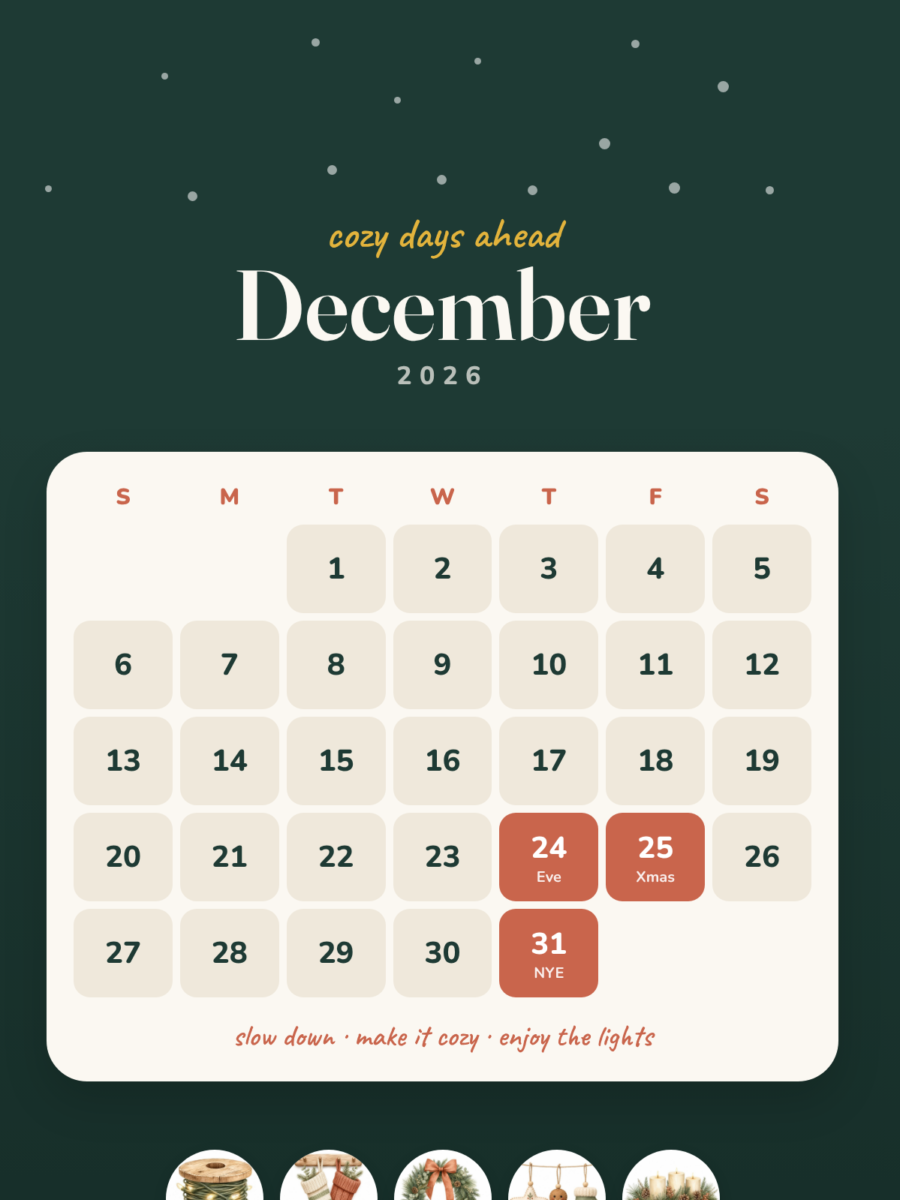
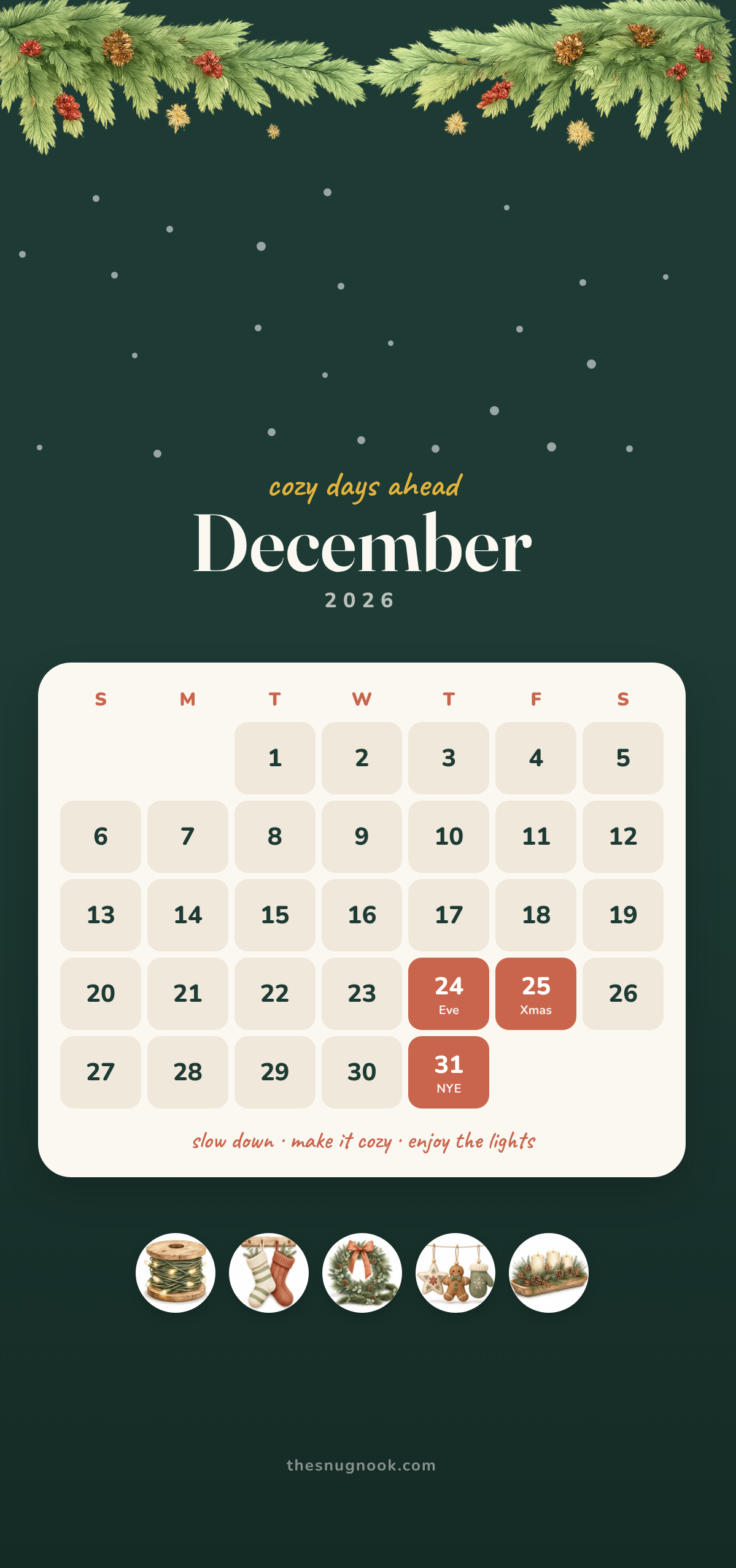
Save this free December 2026 calendar as your phone wallpaper to keep the whole month in view. It comes in deep green and cream, with a pine garland and snow at the top, and Christmas Eve, Christmas Day and New Year’s Eve marked.
Time: 2 minutes · Level: Easy
You will need: A phone
December is the month when small plans pile up: gifts to buy, boxes to bring down from the closet, guests to host.
A calendar on your lock screen keeps the month in front of you without one more app or paper planner to find.
free printable
Free for personal use. No email needed. Tap a color, then save the image to your phone.
What is on the wallpaper
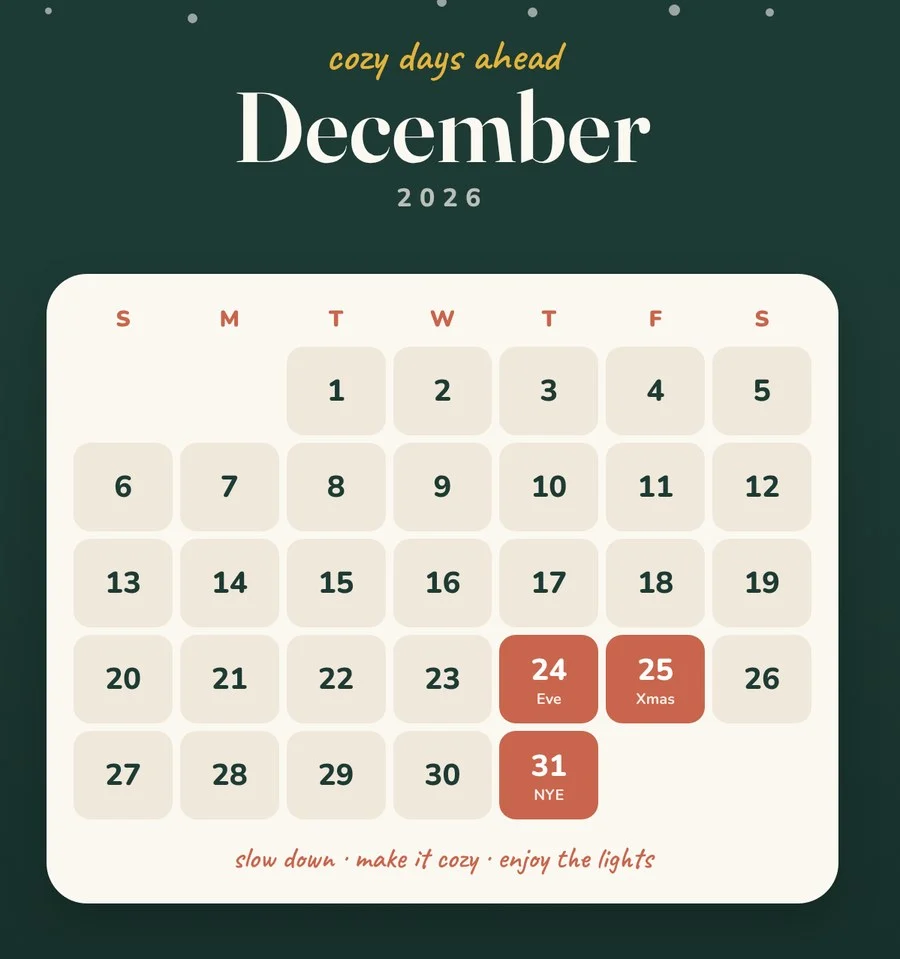
The whole month on one screen, starting on Sunday. December 1, 2026 is a Tuesday.
Christmas Eve, Christmas Day and New Year’s Eve stand out in color.
The top is left calm for your clock, with a pine garland and light snow.
How to set it
iPhone: save the image, then go to Settings, Wallpaper, Add New Wallpaper, Photos.
Android: open the image, tap the menu and choose Set as wallpaper, then Lock screen.
Use December to get organized for next year
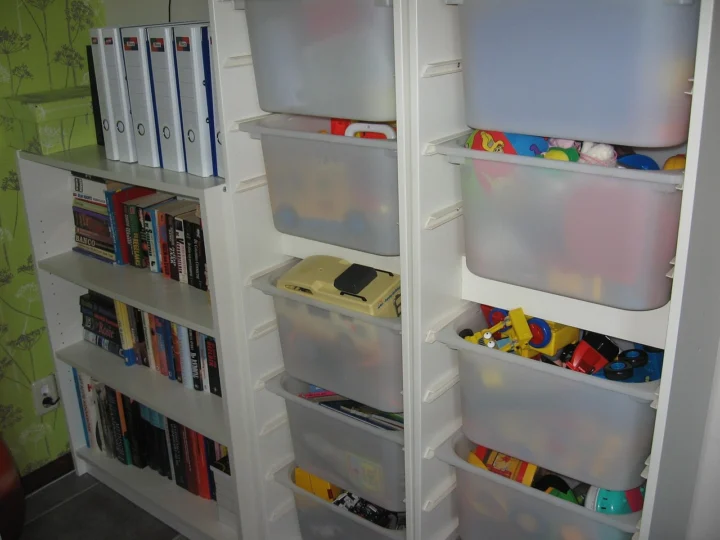
December is a good time to notice what does not have a home. While you decorate, keep a short note of what you could not find or had no space for.
- Decor with no box: add a labeled bin to your list.
- Gift wrap everywhere: set up one small wrap kit.
- Coats and boots by the door: add hooks or a tray.
A small-space December checklist
Small homes fill up fast in December. A few quick checks keep things calm:
- Decide where the tree or main decorations will go before you bring them out.
- Clear one shelf or corner for gifts as they arrive.
- Keep a basket by the door for winter hats, gloves and scarves.
- Flatten delivery boxes the same day.
One cleared surface does more for a small room than any new decoration.
Pack decorations away the smart way
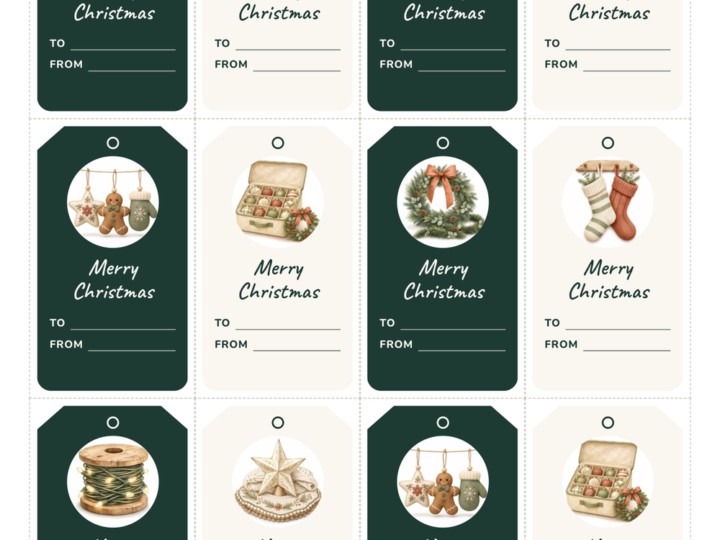
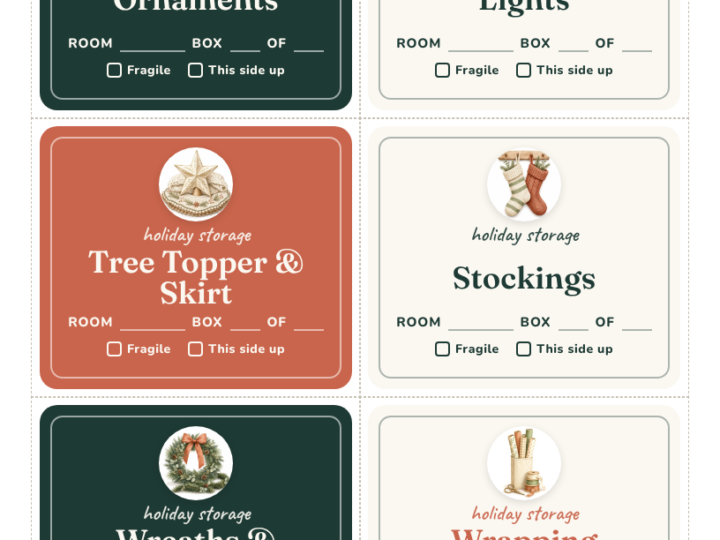
When the season ends, pack each box with a label and a short note of what is inside. Next December, setup takes minutes instead of an evening of searching.
Plan the boxes in and out
Mark one evening early in the month to bring decorations out, and one in January to put them away. Both jobs go faster with labeled boxes.
Next month
In January, switch to our 31-day declutter wallpaper: one small spot to clear each day.
Where to start
- Save the wallpaper in the color you like.
- Set it as your lock screen.
- Pick the evening you will bring out the decorations.
free printable
Free for personal use. No email needed. Tap a color, then save the image to your phone.
from our shop
Want a calendar for your wall in 2027? We made a 2027 Sage Minimal Wall Calendar. It is sold on Creative Fabrica.
Made by us · sold on Creative Fabrica · affiliate link
Quick answers
Does the week start on Sunday?
Yes, like most US calendars.
What dates are marked?
December 24, 25 and 31.
Will it fit my phone?
It is made at 1179 by 2556 pixels and fits most recent phones. Pinch to adjust on other screens.
Is there a January version?
For January, try our free 31-day declutter wallpaper.
Is it free?
Yes. It is free for personal use, and no email is needed.